XAccountsManager: Twitter Automation and X Account Management Review
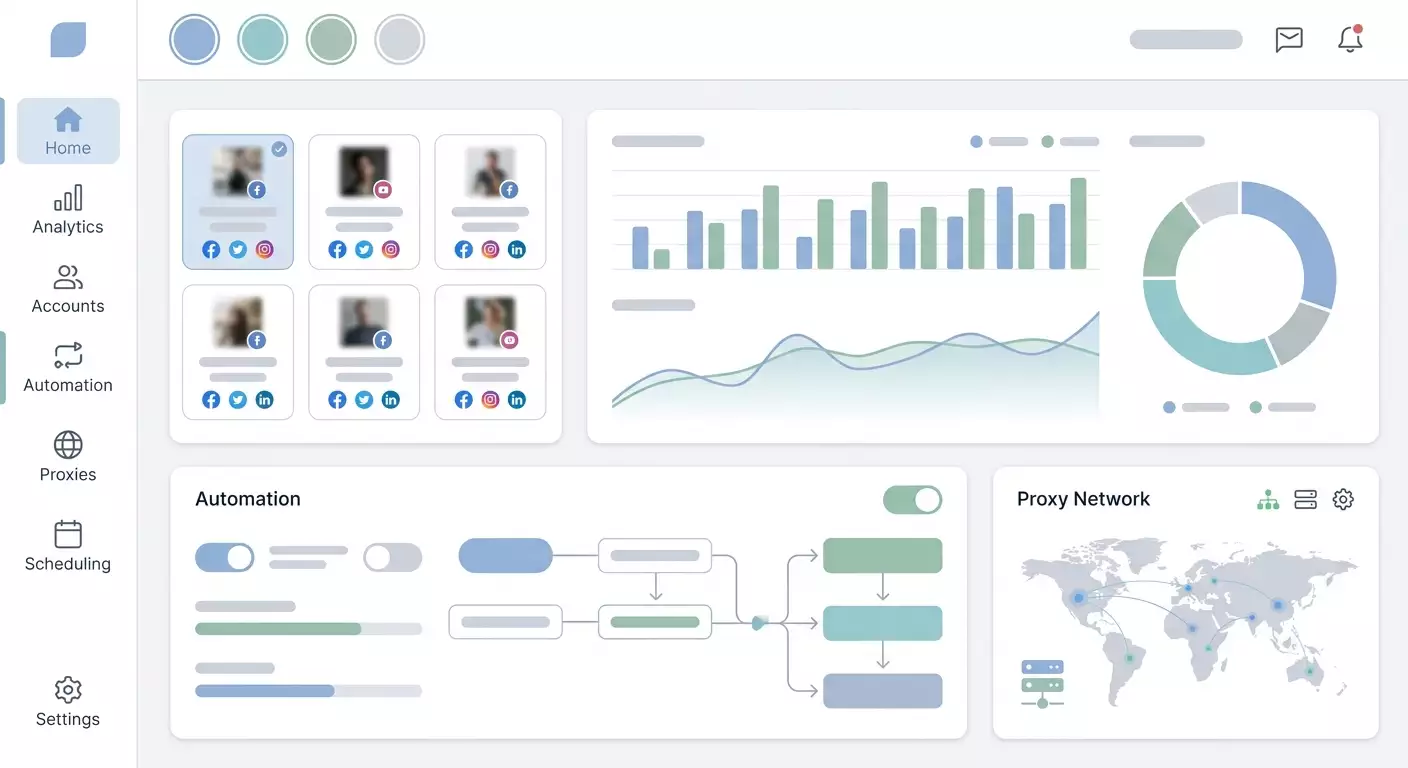
Table of contents
- What is xaccountsmanager and who is it for?
- Key features of xaccountsmanager
- Pricing and cost
- Pros and cons of xaccountsmanager
- How xaccountsmanager is used in practice
- Why proxies are necessary for working with xaccountsmanager
- Perfect compatibility of xaccountsmanager with mobile proxies
- Why mobile proxies are better
- How to start working with xaccountsmanager
- Alternatives to xaccountsmanager
- Faq
- Conclusion
XAccountsManager — Twitter Automation and X Account Management: Review and Practical Insights
Automation in X (Twitter) has long become a norm for SMM teams, arbitrators, and marketers. When you're dealing with dozens of accounts, manual management can lead to chaos: deadlines, IP overlaps, the risk of freezes, and missed audience activity windows. This is where XAccountsManager steps in — software that combines X account management, publication scheduling, auto-interactions, parsing, and analytics all in one workspace.
This material aims to break down XAccountsManager in simple terms, explain how it aids in promoting on Twitter, where it saves team time, and why safe operation without proxies is nearly impossible today. We will look specifically at why mobile proxies are necessary and how to integrate the software with infrastructure based on mobileproxy.space.
What is XAccountsManager and Who Is It For?
XAccountsManager is a tool for automating Twitter (X): mass management of profiles, publication scheduling, auto-likes/retweets/replies, audience and competitor parsing, as well as basic engagement and growth analytics. The product addresses the main challenges of scaling without overloading processes and risks associated with multi-accounting.
- SMM specialists. Managing personal and brand accounts, content planning, reposts, warming up audiences, responding to mentions.
- Marketers and content creators. Expanding reach, testing hypotheses, A/B testing posts and threads, simplified performance tracking.
- Arbitrators. Scaling networks of accounts, role distribution (traffic generation/warming), automation of routine tasks.
- Agencies. Centralized work with dozens of client profiles, access control, and reputation management.
Key Features of XAccountsManager
Manage Multiple Accounts from One Interface
Connect the necessary number of profiles and work with them in one panel. The time savings are obvious: no need to jump between browsers and sessions. Plus, there’s a reduced risk of "cross-contaminating" actions between accounts: each has its own profile, cookies, proxies, and schedules.
Automate Publications and Post Scheduling
Plan your content calendar for a week or month: individual tweets, threads, reposts, quotes. Editing before publication, templates, and UTM tags are supported. The schedule is adjusted according to time zones and peak activity windows to maximize reach.
Auto-Interactions (Likes, Retweets, Replies)
Automate likes, retweets, and short replies based on set rules: by keywords, hashtags, authors, and audience lists. Filters help prevent "clogging" actions and triggering anti-fraud. Pauses, queues, and daily action limits are also available.
Audience and Competitor Parsing
Gather target user lists by hashtags, keywords, geolocation, brand mentions, and active interactions with competitors. You can extract core audiences, identify opinion leaders, "warm" commentators, and segment them for more precise targeting.
Scaling Account Networks
Create clusters of accounts for different purposes: branding, lead generation, warming, and community management. Each cluster operates with its own proxies and schedules to mitigate risks. This is the foundation of safe multi-accounting.
Engagement Analytics
Access metrics for accounts and clusters: posts, engagement rates, CTR of links, subscriber dynamics, and spikes after activities. This helps quickly shut down ineffective scenarios and scale what works.
Proxy Integration
Each account is set with its own proxy profile. This is crucial for reducing risks and ensuring stable operation: X assesses IP reputation, action frequency, geolocation, and device behavior. Proxies correctly separate accounts' "traces," and changing IPs helps smooth anomalies.
Pricing and Cost
As of publication, the XAccountsManager plan is $99 per month for full unlimited access. What exactly is meant by "unlimited":
- Unlimited number of accounts within reasonable work scenarios;
- Unlimited actions considering your safety limits and specified intervals;
- Scaling networks and clusters without strict caps from the software.
Note: Prices and terms may change. Before subscribing, please check the current information with the developer.
Pros and Cons of XAccountsManager
- Pros: a single panel for dozens of accounts; flexible scheduling and queues; thoughtful auto-interactions; convenient parsing and segmentation; basic analytics; proxy integration; clear logic for clusters in multi-accounting.
- Cons: requires discipline regarding limits and warming; some functions need careful setup (otherwise, risk of flags); a steeper learning curve than "post schedulers"; results depend on content quality and proxy infrastructure.
How XAccountsManager is Used in Practice
Mass Account Management
An agency manages 25 client profiles and 40 auxiliary ones. In XAccountsManager, all accounts are categorized into projects: by client, language, and goals. Each project has its own proxies, posting rules, and interaction guidelines. Routine tasks are streamlined: content calendar, queue checks, transparent logs.
Publication Automation
A content creator prepares 60 tweets and 10 threads for a month. The software includes templates, media applications, and various posting windows for the US/EU. It’s clear which slots are filled and which need further work. No more nighttime manual postings.
Promotion Through Likes and Retweets
A network of 20 accounts amplifies the organic reach of the main brand. Rules: likes and retweets only from "warm" accounts, randomized intervals, daily limits. The result — a gradual increase in visibility without sharp spikes, which is safer for anti-fraud.
Competitor Analysis
A marketer parses the active followers of two competitors and compiles lists of authors who regularly comment on relevant topics. Then — careful interactions and relevant replies from key profiles, leading to "warm" traffic towards targeted threads.
Audience Growth
A community manager launches threads based on hub topics, quotes opinion leaders, and responds in early comments. Some reactions are automated to maintain pace, while others are done manually to retain tone and dialogue depth.
SMM Teams at Work
The team divides roles: content planner, automation operator, response editor. XAccountsManager tracks statuses, queues, and limits so that no one interferes with each other, and reports can be generated in minutes.
Why Proxies Are Necessary for Working with XAccountsManager
Twitter (X) rigorously monitors behavioral anomalies. Mass logins from a single IP, synchronous actions, sudden spikes in posts and interactions are frequent triggers for restrictions and temporary freezes.
- X (Twitter) Restrictions. The service has internal limits on the frequency and volume of actions, as well as mechanisms for assessing IP reputation.
- Risk of Blocks in Multi-Accounting. If dozens of profiles are operating from one IP range, anti-fraud detects the "network" and increases the likelihood of checks.
- Need for IP Separation for Accounts. Different geos/segments require unique connection profiles. This affects trust and delivery rates.
- Anti-Fraud Systems. In addition to IP, client behavior, action frequency, and request patterns are assessed. Proxies are part of the "hygiene" of the infrastructure.
The bottom line: without a correct proxy scheme, even the best content plan can "sink" due to technical flags. XAccountsManager provides management tools, while proxies create a safe context for their operation.
Perfect Compatibility of XAccountsManager with Mobile Proxies
For long-term and seamless operation of networks in X, mobile proxies are most commonly used. The reason is simple: these are real IP addresses from mobile operators with high "natural" variability. Anti-fraud usually treats them more leniently than mass datacenter ranges.
- Stable operation with a large number of accounts. Each profile gets its own mobile IP or pool. Minimal overlaps, maximum predictability.
- No conflicts during automated actions. Natural IP changes and high reputation reduce the likelihood of sudden checks.
- Safe scaling of networks. You can add clusters of accounts, connect additional channels, and manage IP rotation effectively.
- Reduced risk of blocks. Mobile ranges appear "live," decreasing the chance of false positives.
If you're looking to build such an infrastructure, check out mobileproxy.space. Mobile proxies here are optimized for SMM, arbitration, and parsing cases: stable connections, convenient IP changes, flexible pricing, and support. In conjunction with XAccountsManager, this mitigates key risks of multi-accounting.
Why Mobile Proxies Are Better
- Real IPs from Mobile Operators. High "trust" level for many platforms compared to datacenter subnets.
- High Level of Platform Trust. Natural variability allows for smoothing anomalies as long as you observe action limits and schedules.
- Dynamic IP Changes. On schedule or on demand. Convenient for session updates and segment separation.
- Minimized Bans. With correct settings and careful automation, the number of flags and manual checks decreases.
How to Start Working with XAccountsManager
- Registration. Create an account and activate your subscription. Familiarize yourself with the limits and basic security presets.
- Connecting Accounts. Add profiles one by one and warm up new ones: start with manual postings/readings, then move to light automation.
- Configuring Proxies. Specify an individual mobile proxy profile for each account. Cluster them by geo and task.
- Launching Automation. Set up post schedules, like/retweet queues, daily limits, and interval randomization. Start with conservative values and gradually increase, monitoring metrics and logs.
Tip: Document regulations — limits, frequencies, content templates. This will speed up onboarding and reduce errors within the team.
Alternatives to XAccountsManager
- Hypefury. A strong thread and content series scheduler, features for writers and personal brands. Less focus on multi-accounting and proxy logistics.
- TweetHunter. A tool for idea generation, viral tweet analysis, and planning. Suitable for authors but weaker in mass auto-actions and networks.
- Jarvee. Multi-platform automation (historically widely used for social media), flexible scenarios. Requires careful setup and is more complex to support.
- Socinator. Universal social media automation software, basic functions for X are available, but it's less tailored for deep parsing and advanced cluster logic.
If your task is large-scale multi-accounting in X with proxy infrastructure and full auto-actions, XAccountsManager covers more targeted scenarios "out of the box".
FAQ
Is it safe to use automation in X? Safety depends on setup: limits, intervals, warming, content quality, and proxies. Automation should complement, not replace "human" activity. Follow platform rules and local laws.
Are proxies necessary for XAccountsManager? Yes, if you're managing multiple accounts. Proxies separate IP traces, reduce the risk of flags, and provide predictability. Mobile proxies are optimal for X.
How many accounts can be managed? The plan states unlimited accounts. The real limit is determined by your infrastructure (proxies, hardware/sessions) and caution in action limits.
How to avoid blocks? Warm up new profiles; use individual mobile proxies; maintain moderate limits; randomize; relevant content; avoid synchronous "bursts" of actions; regularly monitor logs and metrics.
Is XAccountsManager suitable for beginners? Yes, as long as you start with basic scenarios: post planning, gentle auto-reactions, and working with white-hat content. Introduce deep automation gradually.
Can audience and competitor parsing be done? Yes, there’s collection available by keywords, hashtags, authors, and activities. Use this data within platform rules and legal restrictions.
Are anti-detect browsers necessary? For many scenarios, a correct proxy scheme and careful automation are sufficient. In complex cases, they are combined, but this increases complexity and cost.
Conclusion
XAccountsManager simplifies comprehensive work on Twitter (X): from content planning to auto-interactions, parsing, and analytics. It is especially useful for those managing networks of accounts and looking to scale without added manual labor. At the same time, the foundation for stable performance remains the proxy infrastructure, with mobile proxies being the most practical for X.
If you're building safe multi-accounting, start with a basic combination: XAccountsManager for processes and mobileproxy.space for mobile proxies. Connect accounts, set schedules and limits, test scenarios, and scale only what delivers stable growth.
This material is for informational purposes only. Act ethically, follow platform rules, and comply with legal requirements.