Case Study: Monitoring Rankings in 50+ Russian Regions with Rotating Mobile Proxies
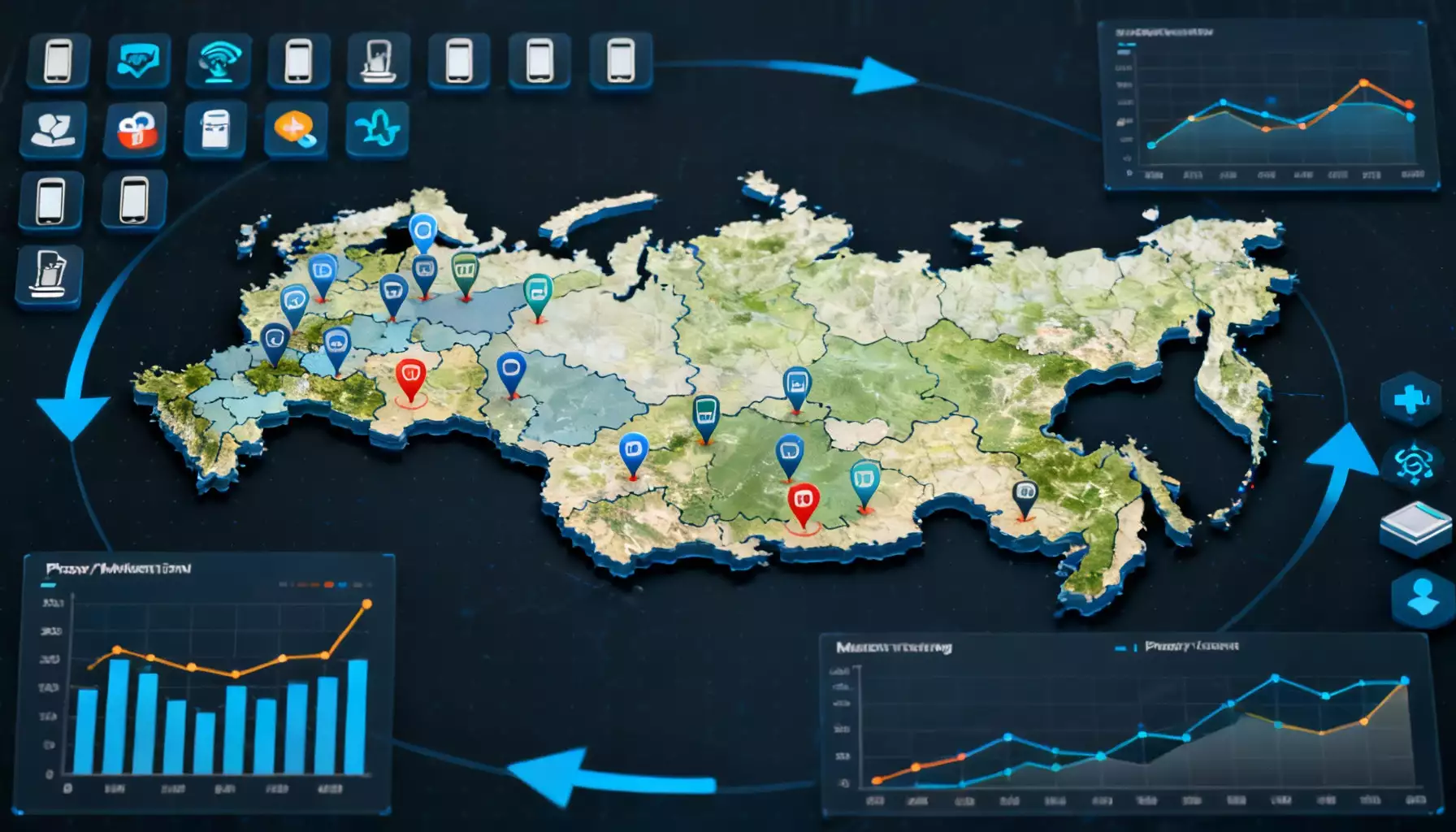
Table of contents
- Introduction: why monitor your site's rankings across 50+ russian regions
- Why regional monitoring matters: examples and motivation
- Proxies 101: why mobile proxies are better for regional checks
- Methodology: the monitoring system architecture
- Tooling: what to use in 2025
- Mobile proxy rotation: strategies and practical implementation
- How to craft jobs: frequency, depth and scheduling
- Simulating mobile requests: user‑agent, headers and delays
- Handling captchas, blocks and errors
- Parsing serps: what to collect and how to normalize
- Data storage: structure and recommendations
- Metrics for regional visibility analysis
- Visualization and reporting: what managers and seos need
- Case: setup tasks for 50+ regions — step‑by‑step
- Realistic outcomes: what to expect and how to interpret results
- Common problems and fixes
- Legal and ethical considerations
- Cost optimization: how to lower data collection costs
- Integrating monitoring into business processes
- Practical demo: simplified regional visibility analysis
- Best practices and pre‑launch checklist
- Next steps: project growth and improvements
- Summary and practical recommendations
- Conclusion: how to get started right now
Introduction: why monitor your site's rankings across 50+ Russian regions
Think of your website as a car driving across a network of roads. In some regions it cruises on a smooth highway, in others it stalls in traffic or hits potholes. Regional visibility is the road condition for your online business. If you don’t track where the wheels spin, you’ll never know when to tweak the engine, change the tires, or choose another route.
In this case study I’ll show how to set up daily rank monitoring across more than 50 Russian regions using rotating mobile proxies. This is not just a tools list—it’s a practical, battle‑tested methodology. We’ll cover why mobile proxies often outperform data‑center proxies, how to rotate them smartly, which tools to use for scraping and storage, how to handle captchas and rate limits, and how to analyze regional visibility so you can take real marketing actions.
Why regional monitoring matters: examples and motivation
If you promote an offline business—retail stores, clinics, repair services—you must know how your site appears across different locations. Even for e‑commerce, regional SERPs can vary dramatically: local competitors, map packs and regional services change clicks and conversions. With accurate regional data you can:
- allocate ad budgets to regions with poor organic presence;
- optimize product pages and landing pages for local queries;
- detect technical issues visible only from specific IPs/regions;
- track local trends and seasonality;
- validate local hypotheses: content tweaks, headline changes, and snippet experiments.
Sounds reasonable, but why don’t most site owners do this properly? The answer is simple: technical limits and cost. Manually collecting ranks across many regions is slow and unreliable. Using one office IP is pointless because you’ll only see results for that single location. That’s where mobile proxies and rotation come in.
Proxies 101: why mobile proxies are better for regional checks
A proxy acts as an intermediary between your scraper and the search engine, masking the origin of requests so the SERP looks like it came from a target region. Mobile proxies are IPs from mobile networks (LTE/5G) often tied to cell towers, which makes them ideal for simulating mobile users in a given region.
Benefits of mobile proxies:
- Real geolocation. Mobile IPs are frequently associated with a region or carrier—this produces SERPs close to what real users see.
- Lower block rates. Search engines tend to trust mobile IPs because they behave like normal users.
- Dynamic addresses. IPs rotate between sessions or via provider APIs—making detection harder.
Mobile proxies are pricier than data‑center addresses and can be less stable and slower, and you may still face captchas. That’s why you must rotate them wisely, mix proxy types when appropriate, and throttle request frequency.
Methodology: the monitoring system architecture
Picture the architecture as a ranking factory: a request conveyor, a response receiver, a data warehouse and an analytics shop. Key components:
- Task manager — a queue that schedules collection jobs by region and keyword;
- Parsers — workers that request the search engine via proxies;
- Proxy router — a layer controlling mobile proxy rotation and mapping proxies to regions;
- Response processor — extracts SERP results, normalizes data and writes to storage;
- Storage — a database or data lake for positions, snippets and metadata;
- Analytics module — reports, visualizations and alerts for drops and gains.
Every part matters: if the task manager is too aggressive, proxies will fail; if parsers skip delays, detection risk rises; if storage is poorly designed, you lose history and comparison capabilities.
Tooling: what to use in 2025
The market offers many options, from SaaS tools to custom scripts. For wide regional coverage I recommend a hybrid approach: use proven components for queues and DBs, and build modular scraping so you can control proxies and captcha handling.
Useful tool categories:
- Task manager: RabbitMQ, Redis Queue, Celery — for distributed, scalable jobs.
- Scraping: Python (requests, httpx, aiohttp), Puppeteer (Headless Chrome) for JS rendering. Use async stacks for volume.
- Proxies: paid mobile proxy providers with APIs to fetch sessions and manage rotation.
- Anti‑captcha: captcha solving services plus Selenium/Puppeteer integration for dynamic solving.
- Storage: PostgreSQL or ClickHouse for position analytics by time; S3 for raw HTML and screenshots.
- Visualization: Metabase, Grafana, or a custom React/Chart.js dashboard.
Make sure tools log and trace every session so you can diagnose errors and rank drops.
Mobile proxy rotation: strategies and practical implementation
Rotation is the heart of the method. Common strategies:
- Session‑based. Each request runs through a fresh session (new IP per connection). Good when you need distinct IPs per check.
- Region pools. Assign a pool of IPs to each region so results match local geography.
- Mixed mode. Combine session rotation and regional pools: keep some persistent sessions for stability and use dynamic sessions for variability.
Practical steps:
- Create a list of regions and map proxy pools to them. Order N sessions or N IPs per region from the provider; N depends on keyword volume and frequency.
- Build a proxy router that selects a random IP from the region’s pool and sets a session timeout (e.g., 30–120 seconds) when executing a task.
- When running parallel scraping, enforce delays per IP to mimic users: random pauses of 2–10 seconds and rotating User‑Agents.
- Implement fallback: if an IP starts returning errors, mark it as “dirty” and suspend it for a cooldown period.
Example: 50 regions, 10 sessions per region. For 1,000 keywords daily, distribute jobs so each proxy issues no more than 150–200 requests a day, staggered across hours. This reduces detection and captcha rates.
How to craft jobs: frequency, depth and scheduling
How often to collect ranks? It depends. Big e‑commerce and fast‑moving niches need daily checks. Slow niches can be checked every 2–3 days.
Scheduling tips:
- Daily baseline. Run a 24‑hour cycle for your core keyword set.
- Deep sweep. Once a week run a deep scrape—top‑100—to catch long‑tail movements.
- On‑demand runs. Trigger special crawls when alerts signal sharp drops; capture historical replays and screenshots.
Depth: commercial queries usually need top‑30. In many regions local results matter, so for full coverage push to top‑50 or top‑100 where necessary.
Simulating mobile requests: User‑Agent, headers and delays
Mobile and desktop SERPs differ. If you use mobile proxies, emulate mobile traffic:
- randomize User‑Agents across modern Android/iOS browsers;
- add headers like Accept‑Language, Referer and Accept‑Encoding;
- simulate behavior: small scrolls, pauses between actions, short action sequences;
- use cookies and preserve sessions for some tests to observe personalization.
Don’t overdo it: generating hundreds of fake interactions can raise suspicion. Balance is key.
Handling captchas, blocks and errors
Captchas are inevitable. Have a plan:
- Auto solve. Integrate captcha solving APIs for immediate resolution.
- Rotate proxy. If you hit a captcha, retire that IP and try another from the pool.
- Cooldowns. If captchas spike across a pool, pause collection, analyze causes and rehab the pool.
Network errors, timeouts and 4xx/5xx responses are normal—log them and use those metrics to judge pool quality. If over 5% of requests fail from a provider, review the provider or your rotation strategy.
Parsing SERPs: what to collect and how to normalize
Don’t just store rank. The richer the metadata, the better your analysis:
- position and URL;
- title and snippet (meta description);
- result type — organic, map, paid ad, answer box, carousel, images;
- presence of local features (Yandex maps/catalogs; Google Local Pack);
- SERP screenshot and landing page screenshot for display checks;
- response hash for quick change detection;
- response time and HTTP status;
- info about proxy and User‑Agent used.
Normalization means canonicalizing URLs, stripping UTM tags, and collapsing subdomains to the main host where relevant. Save raw HTML for investigations, but base analytics on normalized fields.
Data storage: structure and recommendations
For large volumes and historical data, split storage into two layers:
- OLTP (PostgreSQL). For current positions, quick lookups and report formats. Main tables: keywords, regions, positions (with timestamp), serp_features, proxy_logs.
- OLAP (ClickHouse). For heavy aggregations: regional visibility, trends and comparisons.
Keep raw HTML and screenshots in object storage (S3‑compatible) linked to DB records. Compress HTML and store metadata separately so you can quickly rebuild SERP context during investigations.
Metrics for regional visibility analysis
Which KPIs show whether a site is visible in a region?
- Average position across a keyword set;
- Share in top‑3 / top‑10;
- Visibility Index — a weighted metric (e.g., position 1 = 100 points, pos 2 = 90, etc.);
- SERP feature share — how many queries return maps, answer boxes, or ads;
- Clicks/CTR by position — when analytics is available;
- Dynamics — rate of change over 7/30/90 days.
Visibility Index lets you compare regions with different keyword volumes by focusing on presence in the top results.
Visualization and reporting: what managers and SEOs need
Managers want KPIs and trends. SEOs want detail and anomalies. Recommended dashboards:
- Regional visibility overview. Table of regions with Visibility Index, top‑3/top‑10 shares and 30‑day trends.
- Keyword detail dashboard. For each keyword: position timelines by region, URL history and SERP screenshots.
- Incident dashboard. Alerts for sudden drops, rising captcha counts and proxy errors.
- Geographic map. Color‑coded regions by Visibility Index.
Charts and maps help managers decide where to run local campaigns, create regional landing pages, or prioritize work on listings.
Case: setup tasks for 50+ regions — step‑by‑step
Here’s a practical runbook: what to do, step by step.
- Build the keyword set. Create a list with tags: commercial/informational/brand and priority labels A/B/C.
- Pick regions. Choose 50+ Russian regions that matter. Note codes and local nuances—grammar, phrases and local forms.
- Buy proxies. Order mobile proxies with API access. For 50 regions plan at least 8–12 active sessions per region.
- Deploy the job queue. Configure Redis + Celery or a similar stack. Job template: keyword_id, region_id, depth, user_agent, proxy_pool_id.
- Configure parsers. Parsers must rotate proxies, set User‑Agents, handle JS when needed, and save results to the DB.
- Monitoring and logging. Logs should include: timestamp, keyword, region, proxy_id, status_code, response_time, captcha_count.
- Pilot run. Start with 5–10 regions and 100 keywords. Gather stats on errors and captchas to see pass rates and solver needs.
- Scale up. After the pilot, increase scale and tweak parameters: add proxies in weak regions, insert delays, tune User‑Agents.
Realistic outcomes: what to expect and how to interpret results
Results vary by niche, but a well‑tuned system usually delivers:
- stable daily rankings across 50+ regions;
- fewer false drops and data gaps;
- the ability to segment visibility and compare local campaign performance;
- clear guidance on where to create local pages, where to invest in ads, and where to improve links and content.
Note: early metrics don’t prove perfection. Watch long‑term trends and correlate visibility with real conversions—sometimes rank gains don’t convert because landing pages are weak.
Common problems and fixes
Problem 1: high captcha rates in a region. Cause: bad proxy pool, suspicious activity, or regional filtering. Fix: change providers, mix mobile and residential proxies, reduce request intensity.
Problem 2: inconsistent URLs for the same query. Cause: personalization or search engine A/B tests. Fix: collect more metadata, capture cookies, and analyze host patterns.
Problem 3: mobile proxies are expensive. Fix: hybrid approach—use mobile proxies for priority keywords and regions; use residential or data‑center rotation sparingly for less critical targets.
Legal and ethical considerations
Scraping and proxy use can run afoul of service terms. A few guidelines to stay on the right side:
- comply with local data protection laws;
- avoid collecting personal user data from SERPs;
- use providers that legally supply IPs;
- respect public APIs and service terms;
- document processes and risks internally for audits.
Ethics first: monitor to improve visibility and services, not to harass competitors or launch attacks.
Cost optimization: how to lower data collection costs
Monitoring 50 regions with mobile proxies isn’t cheap. Ways to save:
- mix proxy types: mobile for critical regions, residential/data center for the rest;
- smart frequency: daily only for priority keywords, others less often;
- cache results: skip deep collection if a keyword hasn’t changed;
- prioritize requests for keywords likely to move;
- negotiate volume discounts with proxy providers.
Integrating monitoring into business processes
Monitoring is a tool—make it useful by embedding it into workflows:
- daily and weekly reports for marketing and local managers;
- auto‑create tickets when priority keywords drop;
- end‑to‑end analytics: link rank data with conversions and ad spend;
- regular retrospectives to refine what works and reprioritize.
SEOs often have good analysis but don’t deliver insights to sales or local teams quickly. Automating reports and integrating with email or Slack fixes that.
Practical demo: simplified regional visibility analysis
Imagine a chain of plumbing stores and 500 keywords. We run daily checks in 55 regions. After a month we see patterns:
- in five regions the site is consistently top‑3 for core commercial queries;
- in ten regions the site is missing from the top‑30 for the same queries;
- in several areas a competitor ranks first thanks to local listings and reviews.
Next steps:
- Compare snippets: competitor has rich snippets and schema, we don’t—work on markup and reviews.
- Check local landing pages: problem regions lack localized pages—create and optimize them.
- Run local ads in underperforming regions and monitor results after 14 days.
After 45 days we see improvements: several commercial queries move into the top‑10, accompanied by more calls and leads. It’s not magic—just systematic work based on proxy‑routed data and clear analytics.
Best practices and pre‑launch checklist
Quick checklist to avoid surprises:
- prioritized keyword list and region list are ready;
- mobile proxies purchased with needed coverage;
- task manager and scalable parsers deployed;
- data storage and backups defined;
- anti‑captcha and fallback scenarios integrated;
- dashboards and alerts prepared for stakeholders;
- SLA and incident playbooks documented.
Next steps: project growth and improvements
Monitoring evolves with the project. Future directions:
- CRM integration to measure LTV and ROI by region;
- use ML for position forecasting and anomaly detection;
- auto‑generate SEO tasks for regional teams;
- integrate presence checks for local aggregators and maps;
- optimize the proxy pool by analyzing IP quality and performance.
Summary and practical recommendations
Key takeaways:
- regional monitoring is essential for large‑scale SEO in Russia;
- mobile proxies give more realistic SERPs but require smart rotation and budget;
- system architecture must be resilient and well‑logged;
- regional analytics unlocks smarter budget and campaign decisions;
- automate alerts and tie results into business processes.
In short: treat monitoring as a continuous process. It’s not just data collection—it’s a decision‑making channel that must be accurate, timely and understandable to everyone involved.
Conclusion: how to get started right now
If you read this far, regional rank monitoring probably makes sense for you. Start small: pick 10 keywords and 5 priority regions, test mobile proxies and gather data for 7–14 days. After the pilot you’ll see data flows and know what to improve. Scale gradually to 50+ regions and add automation.
Don’t let your site be a car without a dashboard. Give yourself an instrument that shows where the check‑engine light blinks and where you only need to inflate a tire. Regional rank monitoring is that dashboard—helping you drive faster and safer through the roads of the Russian market.
Short action plan for week one
- Collect 10 keywords and 5 regions.
- Order a test mobile proxy pool (8–12 sessions per region).
- Deploy a simple task queue and a basic parser.
- Gather data for 7 days and analyze captchas and errors.
- Set up a report and decide whether to scale up.
Prepare resources, assign responsibilities and document every change. In 2025 the market will demand faster localization and decision speed—those who set up monitoring early will get the advantage.
Handy role notes for the team
- SEO Specialist: own the taxonomy and priorities.
- DevOps: maintain queue and DB resilience.
- Data Engineer: design ETL and raw data storage.
- Marketer: use dashboards to allocate regional budgets.
Good luck with the setup—may your regional rankings grow as steadily and predictably as trains on a timetable.